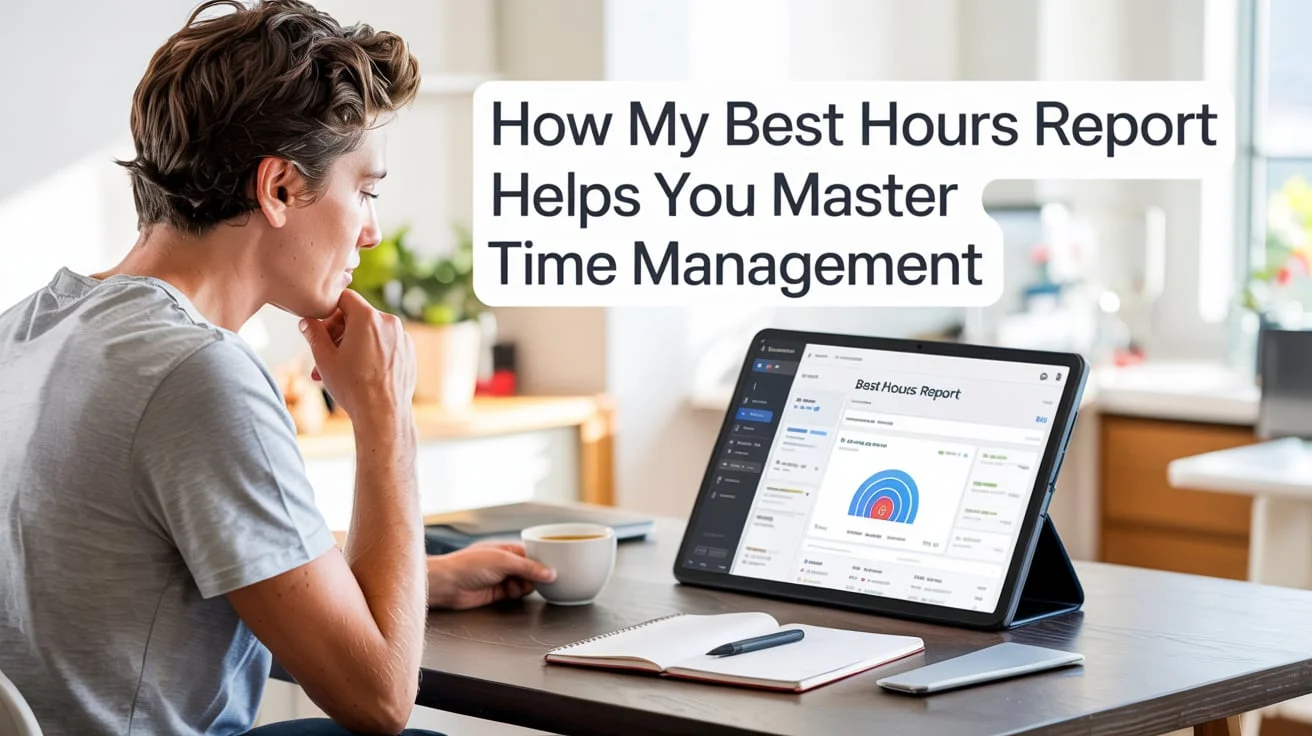
Ever feel like you’re working all day but never truly accomplishing enough? That’s because time management isn’t just about tracking hours—it’s about understanding your hours. The secret lies in identifying when your brain operates at its peak performance.
That’s where My Best Hours Report comes in—a powerful, data-driven way to uncover your most productive times of day so you can align your tasks with your natural energy cycles.
This article explains how the report works, why it matters, and how you can use it to master time management once and for all.
Why Time Management Fails Most People
Most people struggle with time management not because they’re lazy, but because they’re fighting their own biology. You might plan to write at 9 AM because it “sounds productive,” but if your creative energy peaks at 3 PM, you’re forcing effort against your natural rhythm.
Common Time-Management Mistakes
- Random Scheduling – Working by the clock instead of your energy.
- Ignoring Energy Levels – Treating every hour as equal.
- Multitasking – Splitting attention lowers output and quality.
- Overbooking – Filling your calendar instead of focusing on priorities.
“The bad news is time flies. The good news is you’re the pilot.” — Michael Altshuler
The Real Issue: Working Out of Sync With Yourself
Studies from Harvard Business Review and UC Berkeley show that aligning tasks with your circadian rhythm can increase productivity by 20–40%. That means identifying your best hours can turn an average workday into a powerhouse of achievement.
What the My Best Hours Report Actually Tracks
Before you can master your time, you need to understand it. The My Best Hours Report isn’t just another productivity app—it’s a smart analytics tool that interprets your work behavior and translates it into actionable insights.
Key Metrics the Report Tracks
| Metric | What It Measures | Why It Matters |
| Focus Spans | Duration of deep-work sessions | Shows when you enter flow state |
| Distractions | Context switches, notifications | Identifies attention leaks |
| Energy vs Output | Time of day vs performance level | Reveals your natural productivity peaks |
| Calendar & App Usage | Actual time allocation | Highlights misalignment between planned and real work |
From Data to Insight
The report converts raw data into visual heatmaps, streak charts, and trend lines, helping you pinpoint the hours when your concentration, creativity, and efficiency spike.
Think of it as your personal productivity fingerprint—unique, measurable, and incredibly revealing.
Why Identifying Your Peak Productivity Slots Matters
Knowing when you’re at your best can be the difference between progress and burnout. My Best Hours Report helps you capture that insight.
The Science Behind Energy Cycles
Your brain doesn’t maintain the same energy all day. It follows ultradian rhythms—90-120-minute cycles of peak and rest. Research from Stanford shows that working within these rhythms leads to better retention, creativity, and focus.
Practical Example
Imagine you discover your energy spikes between 8:30 AM and 11 AM. That’s your golden window for creative work like writing, designing, or strategizing.
Then, between 2 PM and 4 PM, you might notice a dip—perfect for administrative tasks or meetings that require less creativity.
Benefits of Scheduling by Energy
- Increased task completion rate
- Fewer mistakes and re-works
- Better mood and mental clarity
- Enhanced motivation and flow
“Don’t count the hours. Make the hours count.” — Anonymous
Read More: Augusta Precious Metals Lawsuit: What Investors Need to Know
How to Use the Report to Build Your Weekly Work Rhythm
Once you know your best hours, the next step is structuring your week around them. Here’s how.
Step-by-Step Process
- Collect Data for 2–4 Weeks
Allow the report to monitor your digital activity, focus sessions, and breaks. - Identify Patterns
Look for recurring high-output blocks (often 2-3 hours per day). - Mark Deep Work Blocks
Reserve these high-performance periods for cognitively demanding tasks. - Assign Tasks by Energy Level
- High energy: creative, analytical, or strategic work
- Low energy: admin, emails, or meetings
- Run Experiments
Adjust and re-measure every two weeks to optimize your schedule.
Example: Weekly Rhythm Template
| Time | Monday | Tuesday | Wednesday | Thursday | Friday |
| 8 AM–11 AM | Deep work | Creative | Deep work | Writing | Strategy |
| 11 AM–1 PM | Admin | Calls | Break | Emails | Meetings |
| 2 PM–4 PM | Collaboration | Planning | Design | Review | Wrap-up |
By mapping your tasks this way, you stop fighting the day and start flowing with it.
Advanced Tactics & Hacks Using the My Best Hours Report
Once you’ve established your rhythm, it’s time to level up with advanced techniques.
Automate Your Workflows
Integrate My Best Hours Report with tools like Google Calendar, Notion, or Asana to automate scheduling. Let AI remind you when your “power hours” begin, and silence notifications during those windows.
Team Synchronization
If you manage a team, share insights to coordinate meetings during shared low-energy hours and schedule focus sessions when everyone peaks.
Example:
- Marketing team peaks 10 AM–12 PM
- Design team peaks 2 PM–5 P
→ Hold meetings at 1 PM when overlap is lowest in cognitive demand.
Continuous Experimentation
Productivity evolves with seasons, workloads, and even caffeine intake.
Run monthly reviews to tweak your time blocks and stay aligned with your current pace.
| Experiment | Goal | Result to Track |
| Morning workouts | Boost energy pre-work | Improved focus after 9 AM |
| No-meeting Fridays | Preserve creative flow | Increased output consistency |
| Shorter breaks | Sustain momentum | Reduced fatigue spikes |
Real-Life Case Studies & Outcomes
Case Study 1: The Freelancer’s Breakthrough
Profile: Sarah, freelance copywriter
Problem: Long 10-hour days with scattered focus
Action: Used My Best Hours Report for four weeks
Finding: Peak creativity 9 AM–12 PM, focus drop after 3 PM
Result: Rearranged schedule → completed 2x more projects per week while cutting daily work hours to six.
Case Study 2: The Team Manager’s Transformation
Profile: Tom, marketing manager leading a 6-person team
Problem: Back-to-back meetings, missed deadlines
Action: Aggregated team data via My Best Hours Report
Finding: Most employees had energy peaks before noon
Result: Shifted brainstorming sessions to mornings → reduced average project completion time by 30%.
“When we aligned our calendars with our energy, productivity stopped being a battle—it became a rhythm.” — Tom H.
Common Pitfalls & How to Avoid Them
Even the best tool can fail if misused. Here’s how to sidestep the traps.
| Pitfall | Why It Happens | Fix |
| Tracking without review | Data piles up, no action taken | Schedule weekly reflection (10 min Friday) |
| Over-scheduling | Ignoring recovery time | Build breaks every 90 min |
| Ignoring low-energy zones | Forcing hard work in wrong times | Assign simple or passive tasks instead |
| Copying others’ schedules | Misalignment with your biology | Customize based on your report |
Frequently Asked Questions
What if my best hours vary week to week?
That’s normal. Sleep, stress, or diet can shift rhythms. Track trends over a month, not just daily.
Can this work for night owls or shift workers?
Absolutely. The tool adapts to your active hours, whether your “morning” is 7 AM or 7 PM.
How long before I see results?
Most users notice significant improvement in 10–14 days of consistent tracking and adjustment.
What about privacy?
Data is anonymized and stored locally or encrypted in cloud servers depending on settings. Always read your tool’s privacy policy.
Does this replace time-blocking?
No—it enhances it. Time-blocking tells you what to do; My Best Hours Report tells you when to do it.
Conclusion: Your Path to Mastering Time Management
You don’t need more hours—you need better hours. The My Best Hours Report shines a light on your most effective times so you can plan smarter, not harder.
Here’s your action plan:
- Start tracking your time for two weeks.
- Study your report.
- Identify your high-energy zones.
- Restructure your calendar accordingly.
- Review weekly and optimize continuously.
“What is the best use of my time right now?” — Alan Lakein
Answer that question daily, and you’ll not only master time management—you’ll reclaim your life.
Bonus: Free Weekly Productivity Planner
| Day | Peak Hours | Deep Work Tasks | Low Energy Tasks | Notes |
| Monday | 8–11 AM | Write proposals | Email follow-up | Peak focus |
| Tuesday | 9–12 PM | Design work | Admin tasks | Good energy |
| Wednesday | 2–5 PM | Client strategy | Reports | Afternoon focus |
| Thursday | 8–10 AM | Team sync | Scheduling | Meeting-heavy |
| Friday | 10–12 PM | Review & reflect | Planning next week | Wrap-up day |
Use this as a living document, not a rigid rulebook. The goal isn’t perfection—it’s progress.
Final Thoughts
Mastering time management starts with mastering yourself.
The My Best Hours Report gives you the clarity to focus your efforts where they count most. Combine science, self-awareness, and strategy, and your productivity will no longer depend on luck or coffee—it’ll depend on you.

The creative soul behind the scenes at PunnyPeeks, Emma Brooke is a curator of charm, color, and celebration. With a love for design and a knack for playful storytelling, Emma brings every event to life with custom balloon decor that speaks louder than words. Her mission? To turn simple moments into joyful memories—full of flair, laughter, and a touch of pun-loving magic.